- 12 March 2024 (451 messages)
-
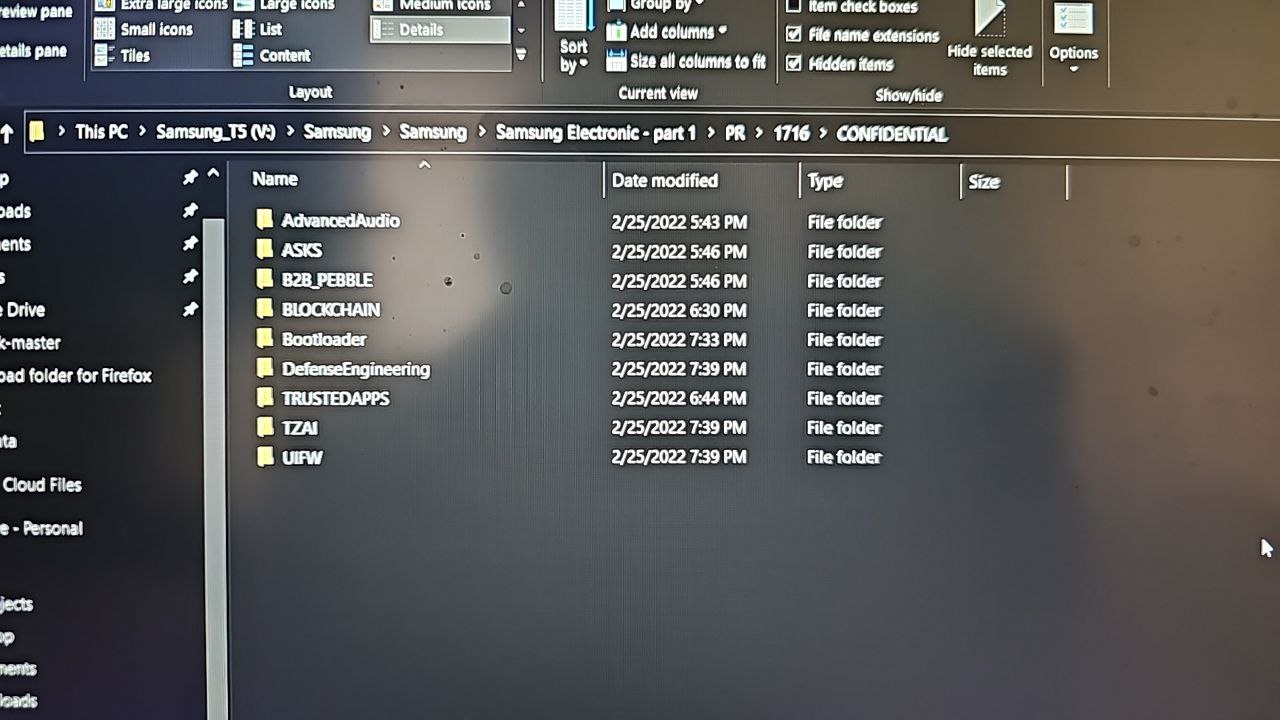
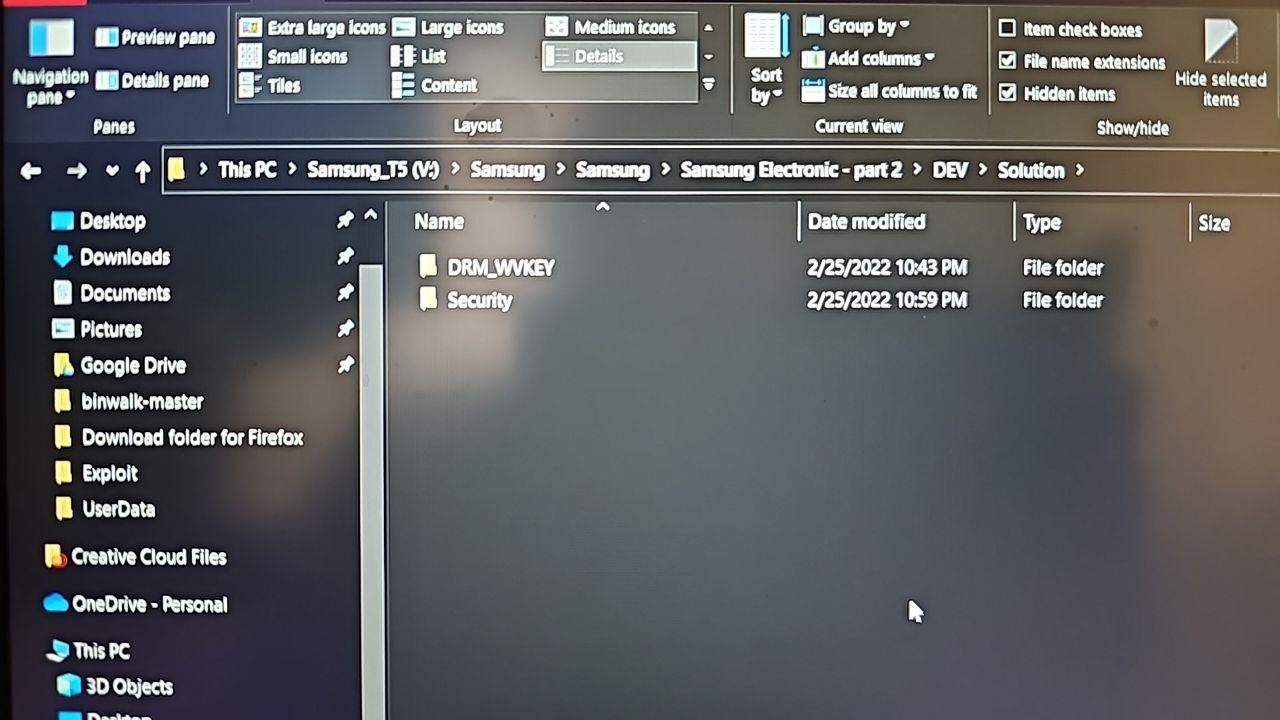
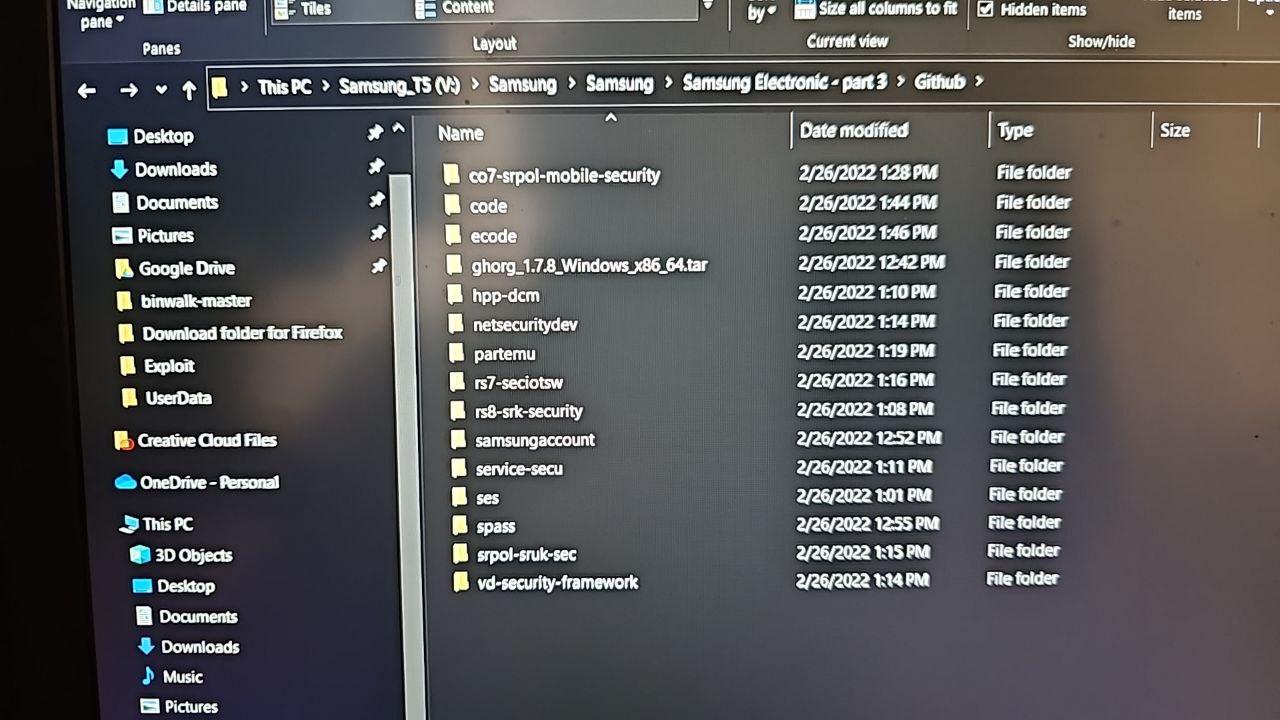
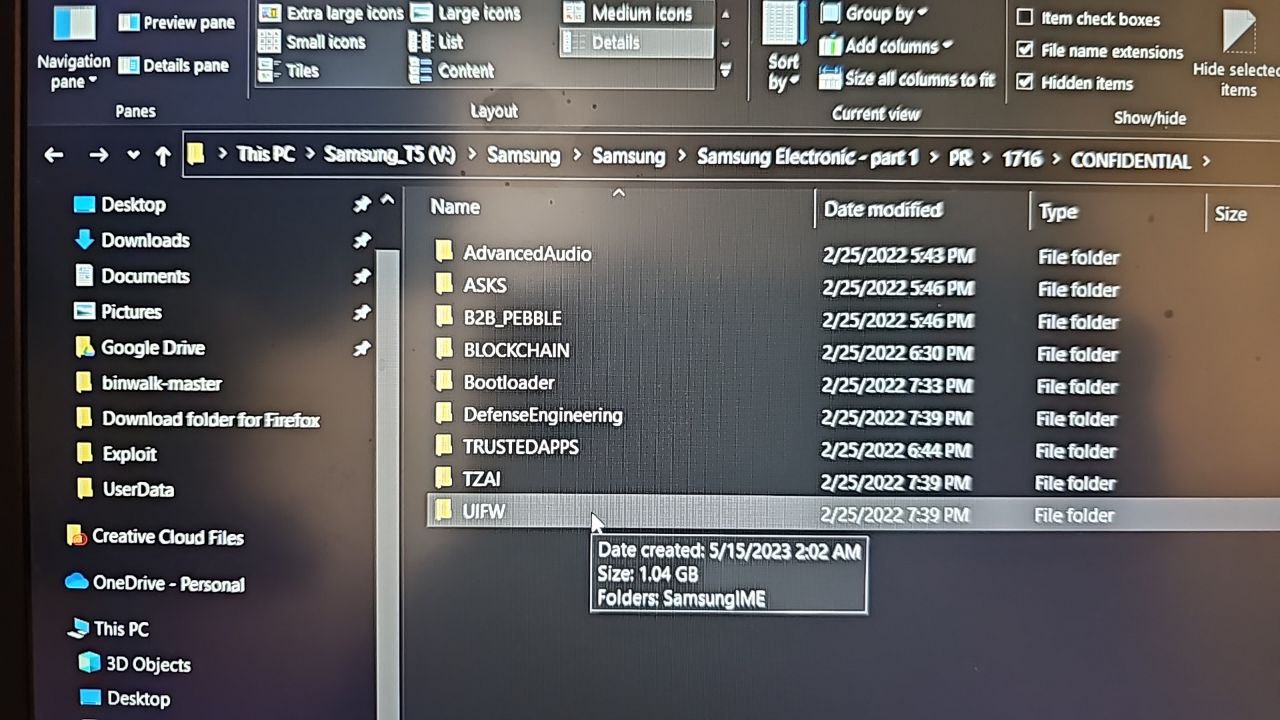
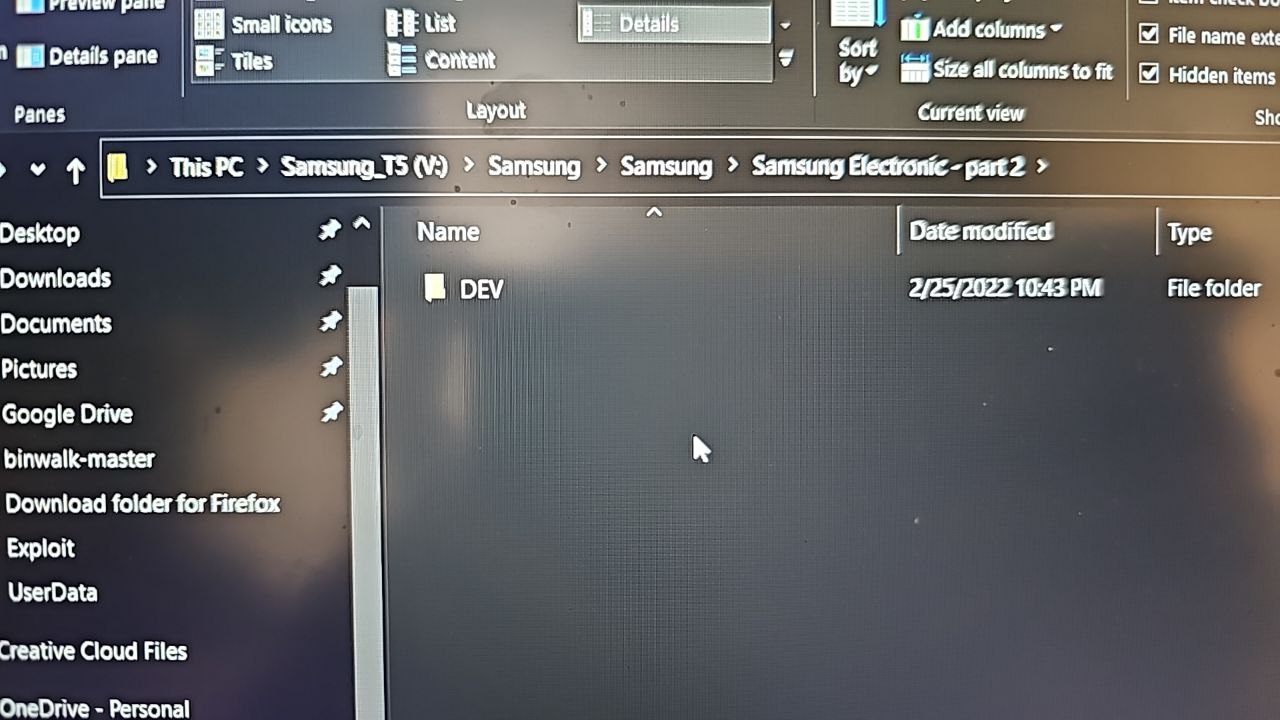
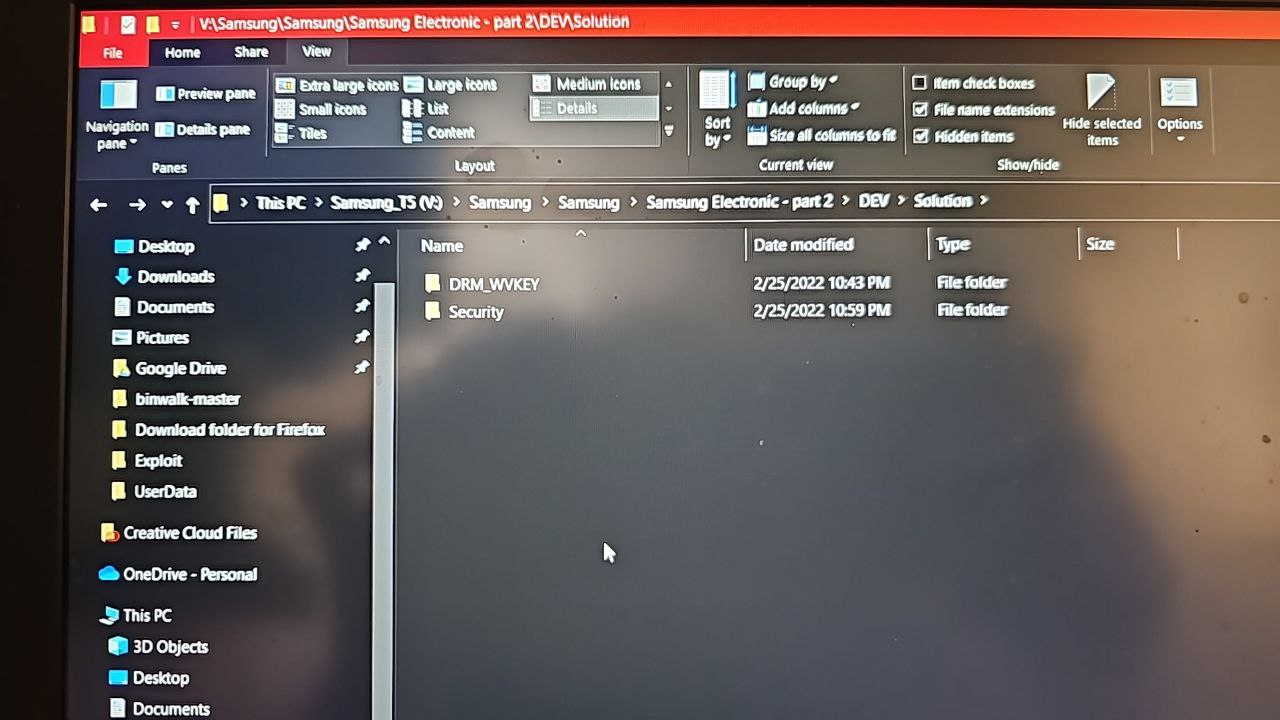
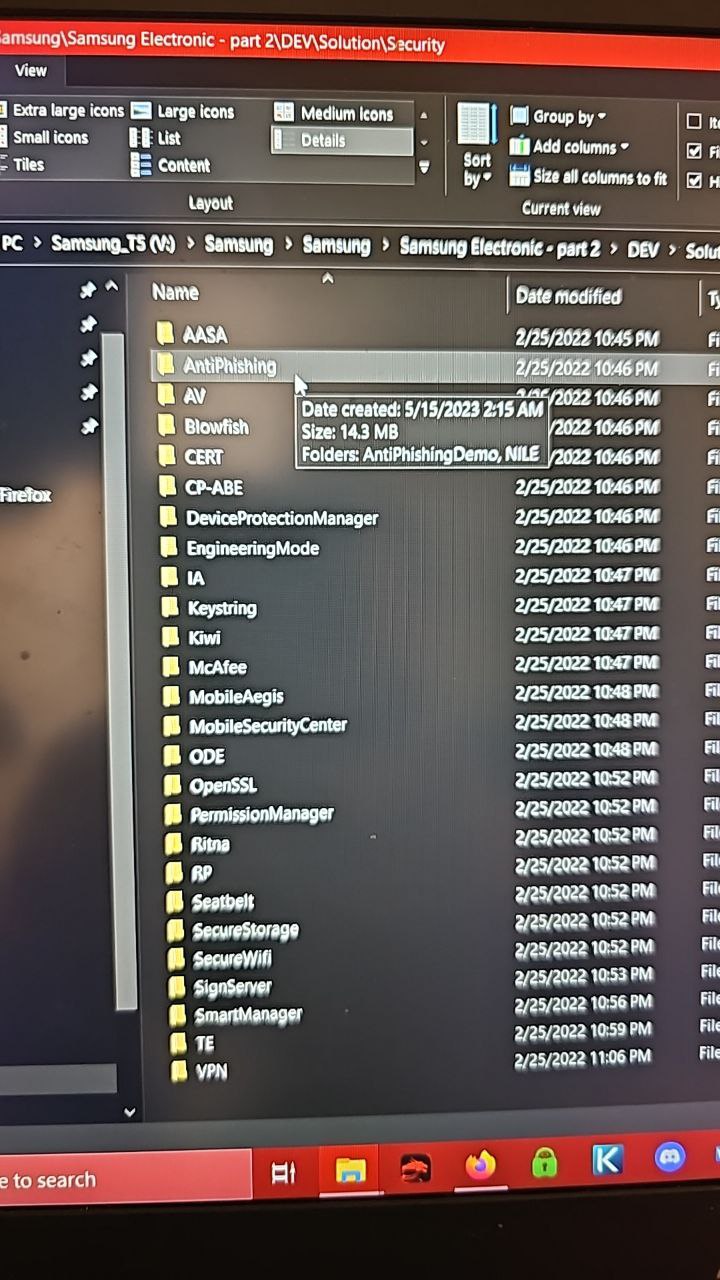
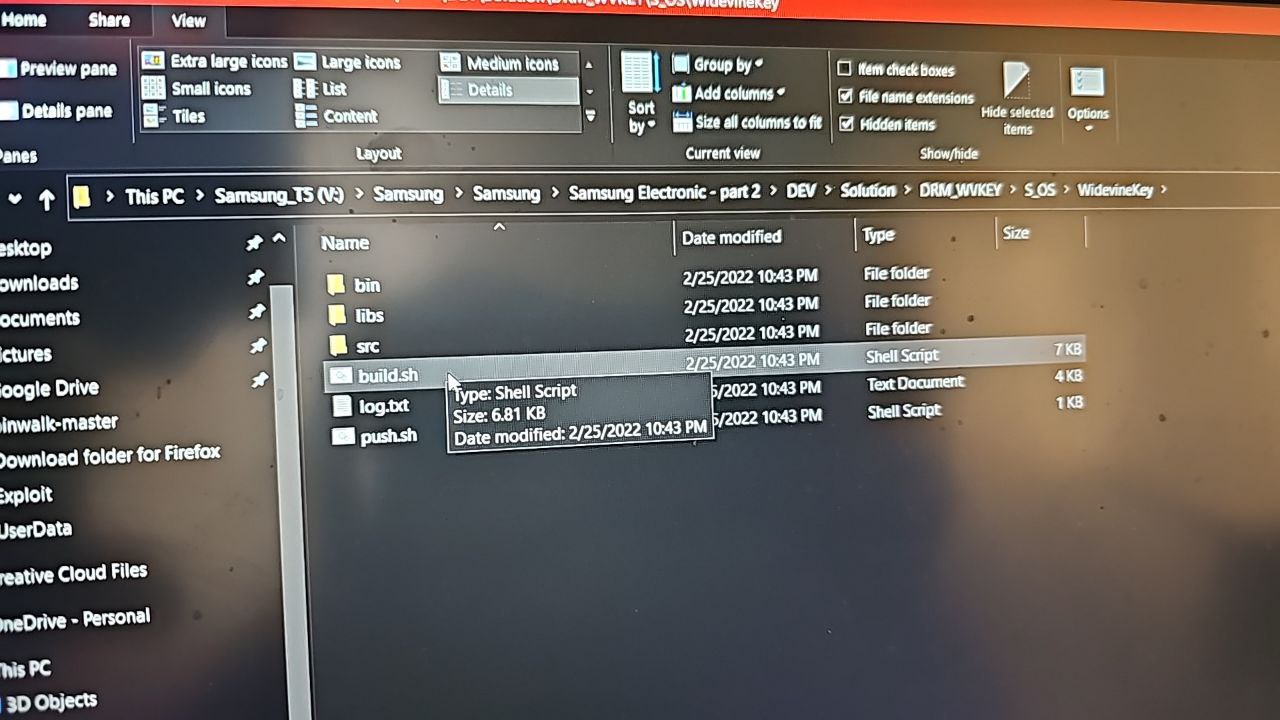
I think this one is missing some stuff this is a backup I made I'm pretty sure uncompressed was around or over 490gb my desktop not setup atm
-
 i dont know why so big laosus only got 198 gig of stuff total from samsung
 -
Uncompressed
-
 see @oakieville ....there was a missing one
 -
no there is not lapsus only took 198 gig nothing more
-
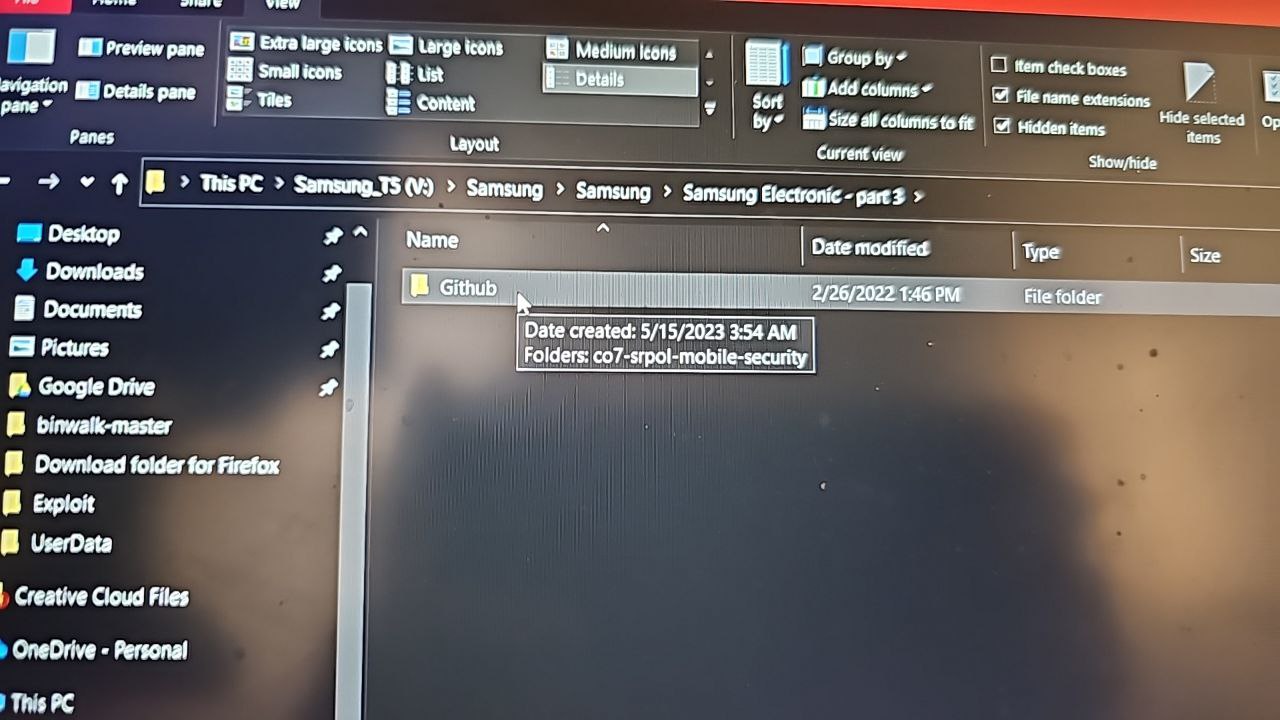
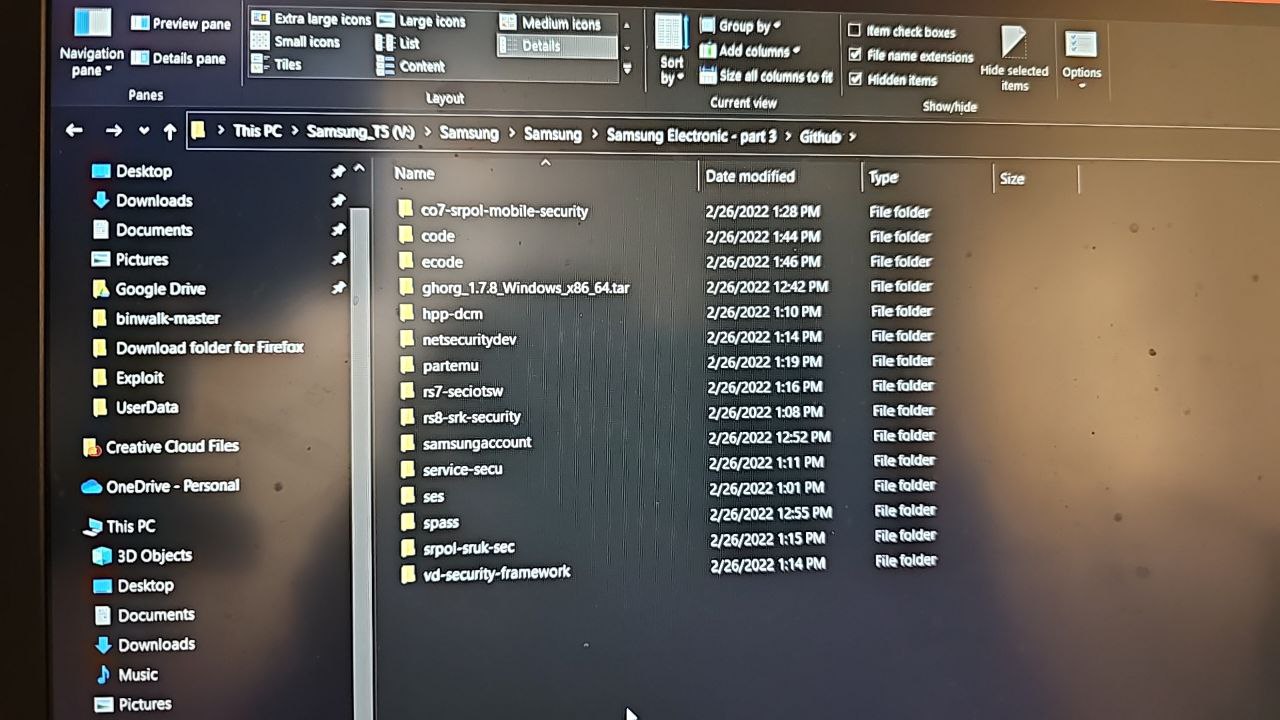
also as you see in pic thats part 3 which you have so does everyone else
-
lies...
-
they also first stole Bridget from me too
-
I'm not saying anyone is wrong I'm saying I don't have it compressed I still think lapsus has more
-
I mean...all you have to do..is look inside and see for yourself
-
I have the leaky faucet as well
-
-
But I'll be one to say...just by some of the files.....I say YES
-
Its called hiding in plain sight
-
If the real amount was ever disclosed. Samsung would die.
-
And they know that.....and also why they played it off..as something stupid....not much at all...
-
But in reality...it was enough to take down a whole company...so instead of cause panic...they play it down...and try to rid the Internet of everything else...
-
 You're probably not wrong and it's hilarious. Basis psychology lol
 -
Basic*
-
Won't be the first time....it's happened
-
This is now like 4th time...I've heard of it being more
-
And....I've heard...it was not 3...but 5
-
For sure, and the average layman doesn't even care anyways. I've never looked into any of that
-
If true..then....they played it just right
-
And paid off...what they could
-
it was 3 why would lapsus lie for samsung
-
$
-
the question is when are we going to get it or do they got Samsung by the 00
-
samsung never said exactly how many or how much
-
Leverage?
-
lol ok
-
They only CONFIRMED the story
-
Nothing else
-
to pay them would mean they gave info which we would know cause they would sued them
-
again im waiting to see some guy carrying servers out of samsung hq on the news
-
No.... lapsus probably had a lot...and it was enough to crack their back
-
show me one trusted person that claims its more then 3
-
So...they coordinated a release
-
Fuck
-
im sure they were in the network for months digging away
-
Go hit up....Denton, TX
-
He'll answer for sure
-
😂😂😂
-
That Elon cock lover....sure was adamant about it though
-
think about it though samsung had to say and do something since the do have contracts with us govt using knox
-
sorry for the bad language
-
It's early stil
-
they got those tactical edition tablets and phones
-
it would have been easier and cheaper to pay off lapsus then risk losing contract the probably make a killing on us govt contract
-
Whenever you get a chance....
Separate them -
Anything that's not apart of the 3 known....is either your porn stash...or more Samsung stuff
-
? me or oakie
-
You
-
You have the bigger amount
-
Mine tops 198
-
And yours..
About 400 -
i only have the 3 parts i unzipped not for the porn stash, and have on my ssd
-
Lol
-
Idk.....it's too hard not to notice the differences
-
-
-
And seeing as.... there are more and more companies...coming out with NEW still....just maybe something to look at
-
-
-
-
is there anything you want to see in these folders
-
anyone got like s10 here
-
note 10 and if i can find it a s9
-
i dont think note 10 can work but maybe would you be able to run some commands on it right now
-
i have ftl on note 10 let me boot it up
-
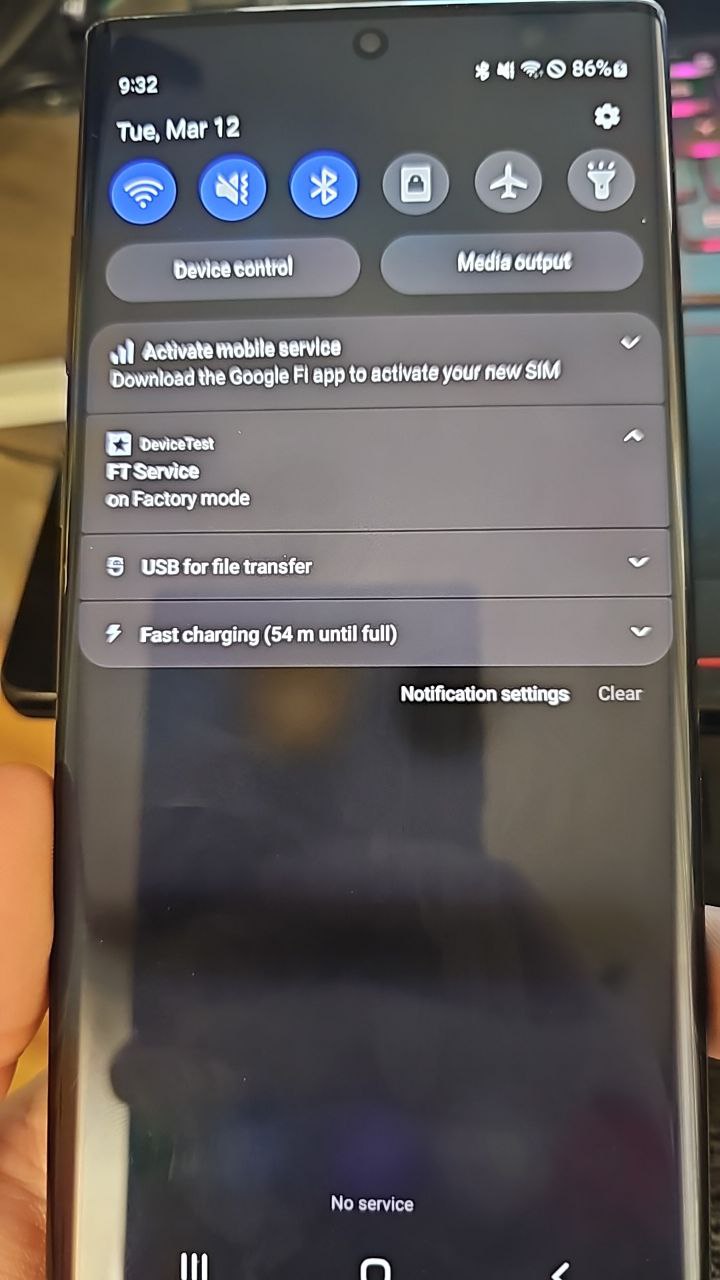
its a 512 vzw model
-
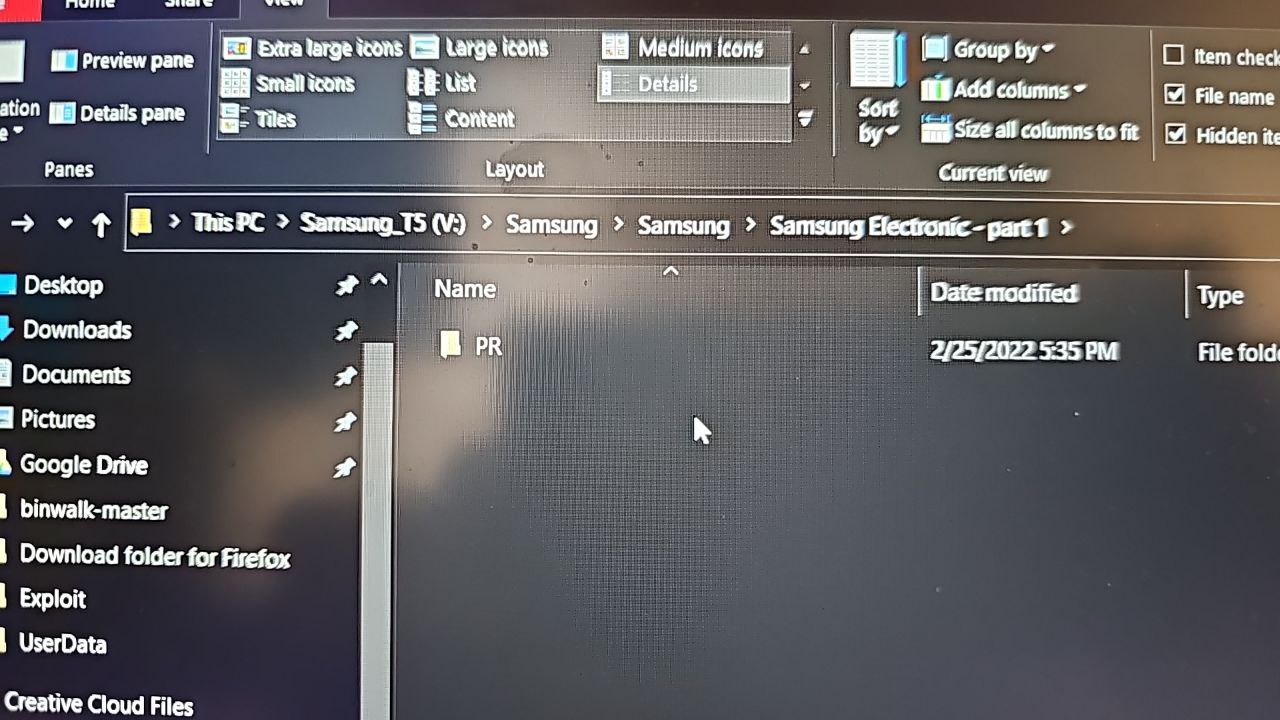
Take a few pics..of the main directories
-
-
-
Ok
-
This is part 1 no other folders so just opened to this point
-
-
All normal
-
-
Yes
-
-
I have an s10. Just got to work though
-
Yes
-
-
-
All the same
-
-
got it booted up i crashed on me for some reason
-
did you uncompress the files or do you keep them zipped
-
i found s10 i think will work
-
ill still try commands if you want
-
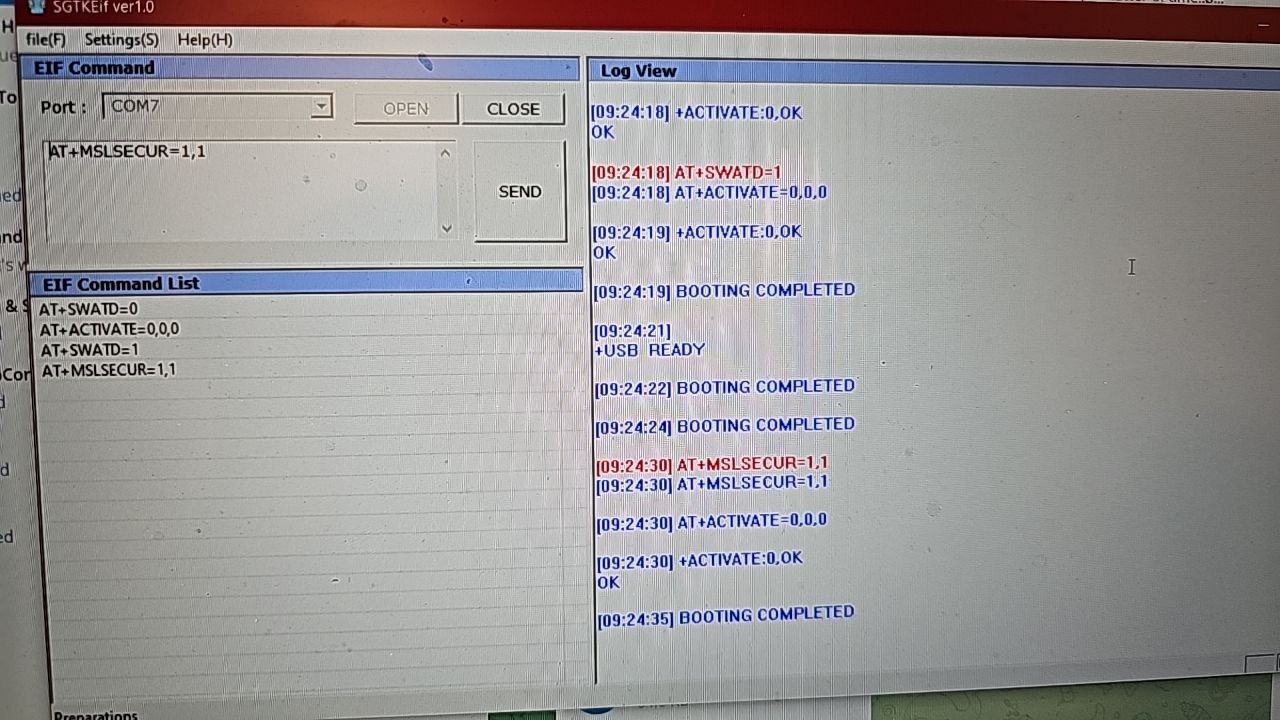
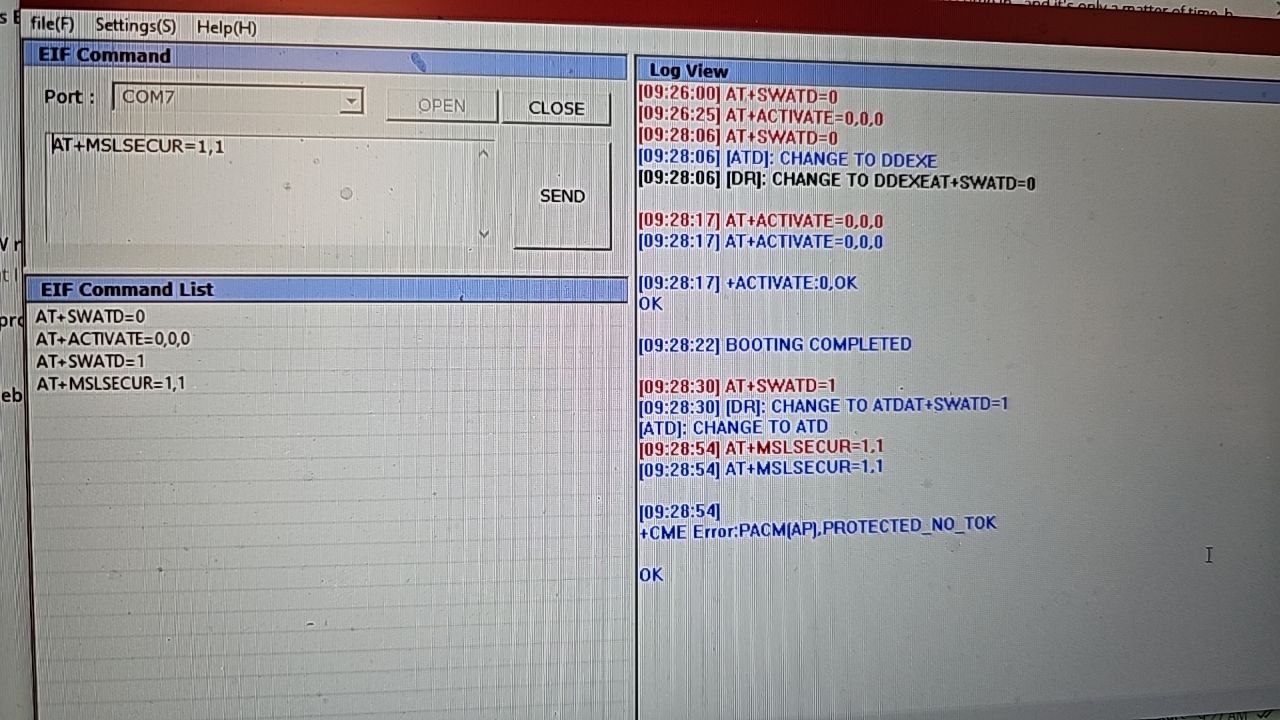
AT+SWATD=0
AT+ACTIVATE=0,0,0
AT+SWATD=1
AT+MSLSECUR=1,1 -
is this for ftl shell or adb
-
either way tried both it dose not seem to do anything in ftl shell and adb says inaccessible or not found
-
oh these are for serial commands to the modem is this for edl?
-
neithet they are AT commands
-
yes to modem no nothing to do with edl edl has nothing to do with AT or modem
-
how do you run them
-
in a terminal on pc
-
i know there are at commands for bluetooth but i figured it wasnt for that
-
i csn send you a tool if need
-
no they are uart
-
first 3 change it to uart
-
sure
-
dose the phone need to be in a specific mode
-
no first 3 do uart mode
-
phone is booted normal
-
-
-
-
start over
-
you mdidnt send past 3rd one
-
after AT+ACTIVATE=0,0,0 wait till responds boot complete
-
if doies same do again it does it sometimes
-
see how boot complete didnt come til after sent AT+SWATD=1 dont send AT+SWATD=1 until after responds boot complete
-
do i need to reboot phone to restart
-
no shouldnt need to
-
-
Ignore first 2 lines I didn't click open com
-
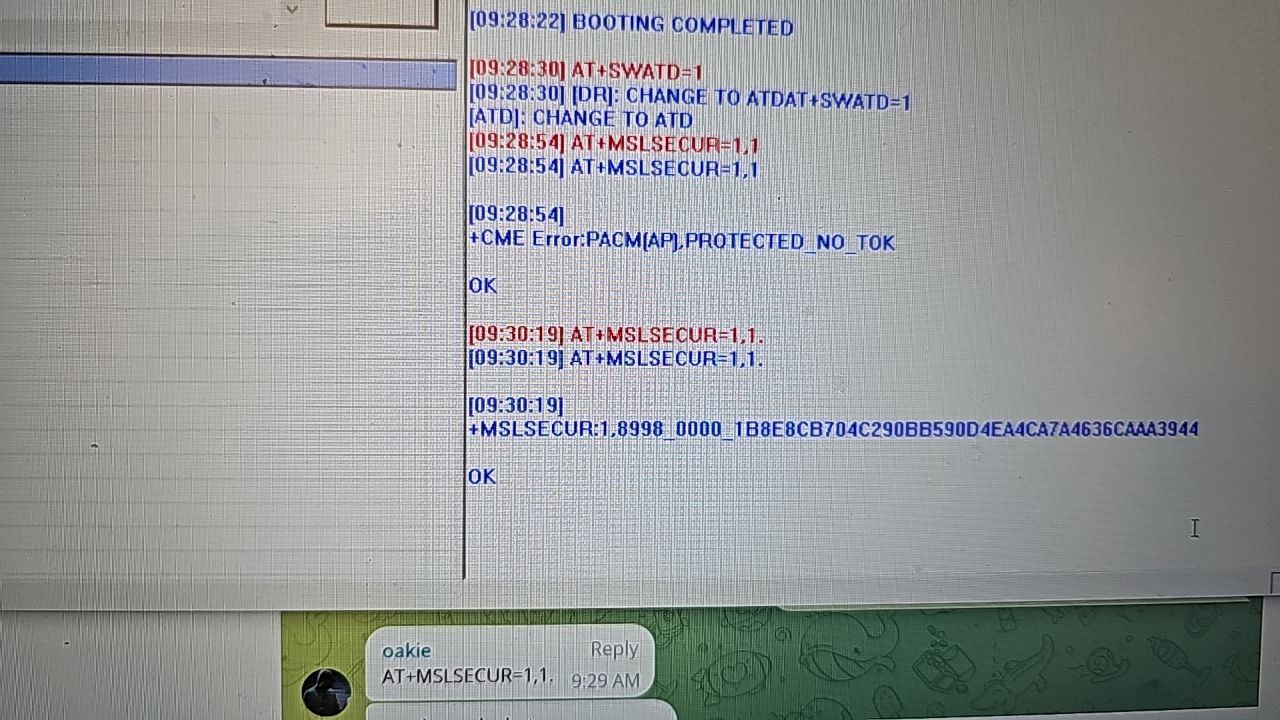
AT+MSLSECUR=1,1.
-
send exactly that now
-
with the . at end
-
-
-
send that text here
-
what carrier is it ?
-
Verizon
-
+MSLSECUR:1,8998_0000_1B8E8CB704C290BB590D4EA4CA7A4636CAAA3944
-
ok let finish test if need to use that ill sends more commands shortly
-
ok
-
ty
-
np
-
please do not share the . trick
-
ill be around
-
im not sharing anything anywhere lol before this group i only talked with wr3cckl3ss
-
i honestly dont know what it dose?
-
what dose this do?
-
nevermind its the msl lock to carrier this device already worked on every carrier i tried even though it is verizon note 10 plus 5g
-
Lol...showing him the importance of the "."
-
Kinda unrelated but a dot makes a big difference in programming
-
I remember when Oakieville was showing me all this stuff.....2 years ago
-
msl is not how vzw is unlocked msl is to auth protected AT
-
I still don't fully understand all those stuff
-
the . is a trick to bypass needing token
-
see error says protected no tok
-
oh, its learning time
-
to send high level AT you first have to auth msl with valid msl cert then auth the akseedno challenge
-
i here you but this is over my head atm ill test whatever you want as long as i have a direction
-
You'll be back soon...
-
Authenticate via msl certification -> Authenticate the akseedno challenge -> Get privilege to send high-level protected AT
-
It's turning my brain off
-
yeah i feel like i got a lot to learn still
-
That's exactly what I feel
-
so other than having the code what can be done with it i get the higher level at commands is there anything i can do with it now?
-
here is a qc pdf with at command just got from the dev qc site
-
purpose of what im doing is to get the msl
-
this pdf usefull at all im trying to see what i can get from qc been awhile since i dug into there website i havent had an account since qpst and flip phones
-
ill send you samsung AT pdf in afew
-
-
have you read it all if not look at pg 878
-
845 was that in s10 maybe im thinking the s9
-

-
the sun ?
-
Yea
-
I got my eclipse glasses over the lens
-
In dead on the patch almost of a total eclipse here in April so I'm trying to get ready lol
-
I wanna do a video or time lapse
-
Must be nice, cloudy where I am :( just look at it like Donald Trump did
-
👍
-
First sunny day in a while
-
Was snowing yesterday
-
Shit we got like 5 inches here. Up higher got upwards 10
-
Damn! I missed a bad winter for once, moved somewhere decent last year
-
It wasn't bad here this year
-
i need a vacation
-
Normally we get the most snow in the US on average
-
We get more average snow per year than Alaska
-
-
alaska does snow a whole lot really it just stays frozen
-
I'm in Canada so we're always digging out our igloos. Montana?
-
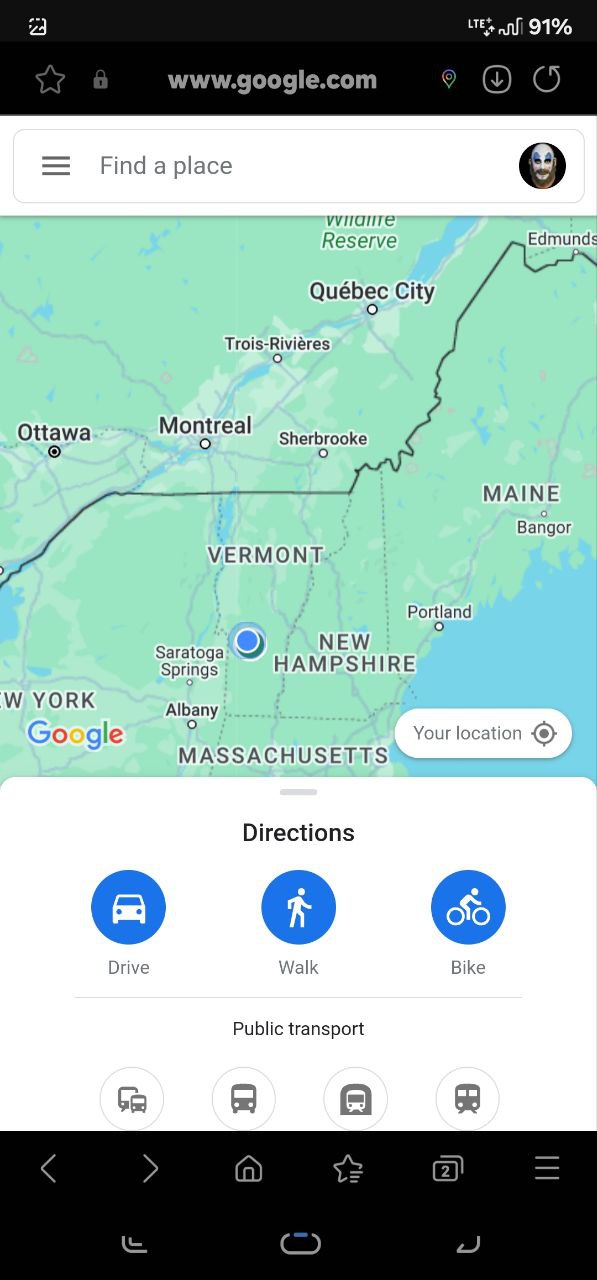
Vermont
-
I'm like 1.5 hours from canada
-
Really? I guess that makes sense. Yeah it's pretty close
-
-
Still far enough away where you don't build igloos. As soon as you're over that border though... all over! Polar bears and everything
-
Lol
-
Haha anyways I have to get back to work. This group is gonna get me fired then I'll have to live out in the wild wearing bearskins and moccasins on my feet
-
Lol me too
-
anyone got an att samsung locked to att
-
 do you have original file? non translated file.
 -
you want it in korean?
-
the devrootkey ?
-
yeah that section had refrence to the qc845
-
ive got maybe an old note 3 for att i dont remeber its status
-
yes
-
way to old that long before msl cert
-
msl became a cert on s9/n9
-
i do not but ill see if factory has
-
i figured. i need to find the s9 or s10 i got laying around with cracked screen its been so long i dont even know what device it is i know i have a verizon s7 edge
-
with paid chat gpt can it translate it for you ? just an idea i bet it will mess up everything
-
He's Korean and he might've thought that he wanted a Korean copy of that I guess..? Since it's cool to have kriginal copy of internal datas
-
i get that im saying if he just needed it translated for something specific
-
id say s9 since the pdfs are based off s9 same with alot of samsung tools
-
verizon isnt nck locked
-
doubt youll ever need use devrootkey
-
here if you guys want this made it with chat gpt
-
Sneak peek time
-
-
-
-
-
None
-
Like Ke$ha said.... TICK TOCK on the DOT
-
Oct...is still far away...
-
But....very close
-
Has anyone used vmos before? I found one that actually runs properly so want to play around with it
-
 S10e exinos
 -
is it carrier locked
-
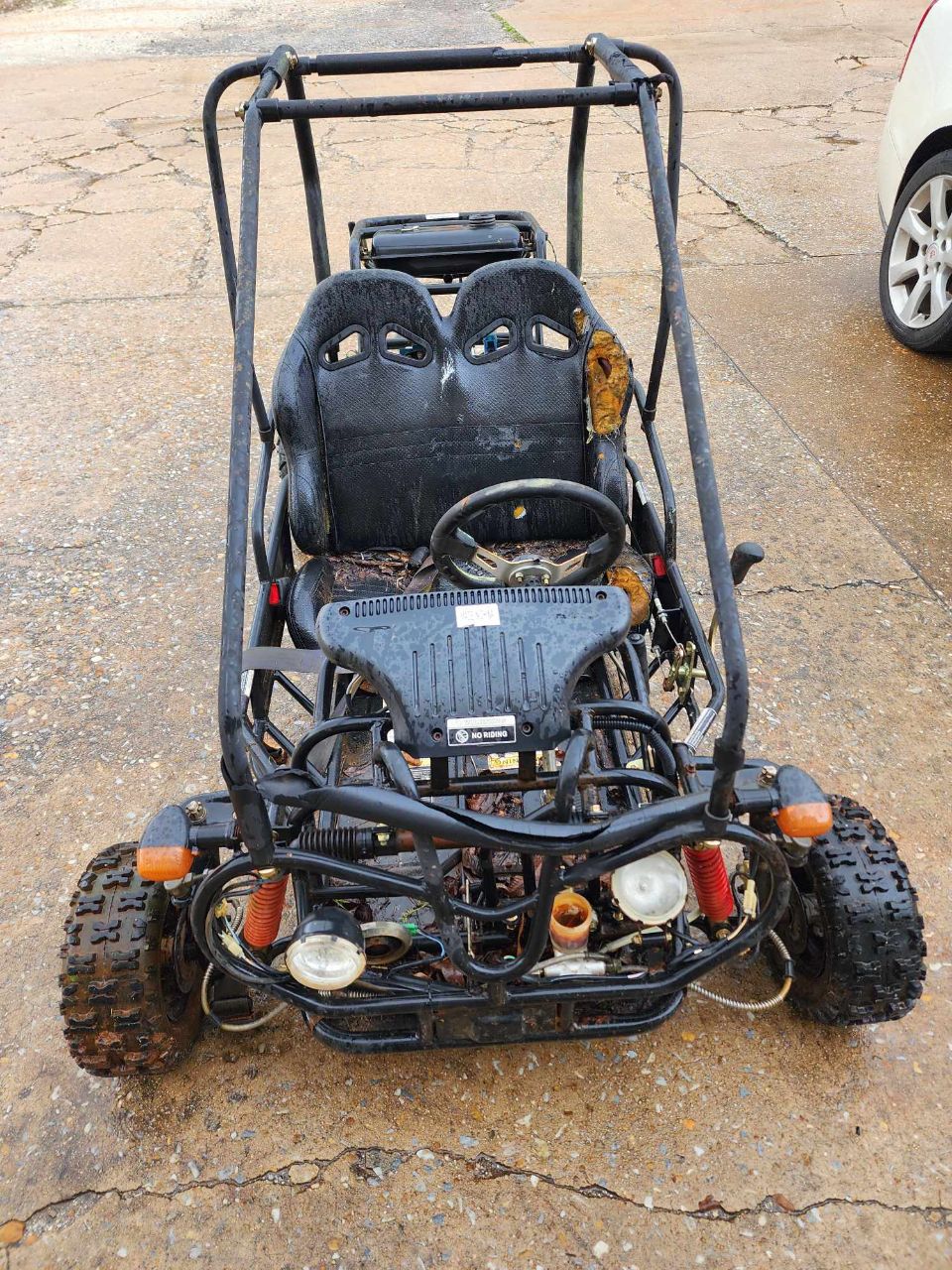
check out what my wife got for $40
-
-
-
Thought that was an rc at first. Wicked deal! Got any sand dunes where you live?
-
 None
None -
 Hey there Toyubhon, and welcome to #system3! How are you?
 -
Found a great site for system apps and I can't stop downloading them haha thanks for the new addiction @wr3cckl3ss
-
because i think it is not original file lol. i think original one wrote in korean.
- 13 March 2024 (316 messages)
-
I get it wanting in 1st language if that's the case I'm curious if the Korean commands would work on a device set to English and the other way around I'd imagine they would if there is language libraries installed for this or both sets of commands stored in device. Idk im no expert
-
AT is not in different languages the commands are same on all
-
alsoni have several AT pdfs from the samsung factory in korea they are all in english except one but the AT commands in that one are same as all others
-
That's what I figured and the directions obviously would be in Korean again I have nothing to base it off
-
yes in the korean pdf all text is korean but commands arent
-
?
-
Mind sharing site or is it system3 github?
-
I haven't been messing with Samsung much today been playing with my rooted lg trying to setup a VPN server for testing so I can access home network I know I could use router or pc I'd rather put an old phone to use instead of collecting dust in a drawer waiting for battery to pop
-
Sorry to bother with this question.
Samsung Dex, I ve been told is capped at 60hz. A reddit mod just pm me saying that there was a period where they unlocked Dex and recently they patch it and capped it back to 60hz. I can run Dex on my phone 120hz no problem. But using this system shell exploit will you guys be able unlocked refresh rate for Samsung Dex? -
What do you mean run dex on your phone like on phone directly or wired or wireless to a display as far as refresh I haven't heard anything we would probably need your sources for the mod. I probably wouldn't be the one that would be usefull here though
-
Phone -USC hub- HDMI to monitor.
-
Can you link the 120hz mod
-
I can do Samsung Dex 120hz. It's not a mod. But moderator told me that. I just used adb commands to keep my phone locked at 120hz. Then I start dex.
-
Using tasker
Task: 120hz
Settings: Abort Existing Task
<Dex Mode = make sure GalaxyHZ is not showing up in Notifications otherwise it will be set to 60hz>
A1: Tasker Function [
Function: CheckADBWifi() ]
A2: Wait [
MS: 100
Seconds: 0
Minutes: 0
Hours: 0
Days: 0 ]
A3: If [ %has_adb_wifi ~R true ]
<closes overlay for screen off>
A4: ADB Wifi [
Command: am force-stop own.moderpach.extinguish
Timeout (Seconds): 1
Continue Task After Error:On ]
A5: ADB Wifi [
Command: settings put secure refresh_rate_mode 1
Timeout (Seconds): 1
Continue Task After Error:On ]
A6: ADB Wifi [
Command: settings put secure refresh_rate_mode 0
Timeout (Seconds): 1
Continue Task After Error:On ]
A7: ADB Wifi [
Command: settings put secure refresh_rate_mode 2
Timeout (Seconds): 1
Continue Task After Error:On ]
A8: ADB Wifi [
Command: settings put system min_refresh_rate 120
Timeout (Seconds): 1
Continue Task After Error:On ]
A9: ADB Wifi [
Command: settings put system peak_refresh_rate 120
Timeout (Seconds): 1
Continue Task After Error:On ]
A10: End If -
So your on an older unpatched version I'm guessing
-
I'm on A13 Dec 1 sec patch.
-
I'm trying to find out at what point they unlocked and re locked it.
-
Yeah I'm not sure on that but looking at the command I don't see any reason with a little modification for system shell these couldn't be run
-
I know this can be done in system shell. What i mean is for those people that have their dex locked at 60hz. I'm wondering if by using system shell a modded dex can be install that unlocks the refresh rate.
-
GitHub - tribalfs/GalaxyMaxHzPub
Contribute to tribalfs/GalaxyMaxHzPub development by creating an account on GitHub.
-
Nop. Galaxy max Hz Capps dex to 60hz if I rund it withing dex.
-
The only way for me to run 120hz dex is by using tasker.
-
But for some reason that apps caps the reshes rate to 60hz on dex.
-
Well the source is posted so maybe it's something they put in
-
May have to dig in source and see and build app yourself
-
Not gonna do that. I dont care for it. My phone already has 120hz Dex. Just wondering about what firmware got it unlocked and then locked.
-
Yeah that idk that's a good question for the xda mod I guess 🤔
-
@CHAIRGAURDIAN you've probably been to it before, I just never knew it had system apps... apkmirror.
-
Oh yeah I haven't dug into them much but I have seen them
-
Another question with next radio no longer working on my note 10 has any9ne found a fm radio app that works in its place I used it all the time I'm my note 10 on Verizon until it quit working
-
Or did the fm chip get disabled again with a software update ?
-
Yes usb c headphones were used I carried them everyday in my pocket until the broke the akg headphones that shipped with samsungs
-
I think i did see some at commands to check the fm reciver I'll dig in again and see maybe it's in the newer chips if that's the case if there is no shield over the chip we should be able to place a piece of metal near the reciver and get a signal via inductive coupling then we only need some way to get the audio to speaker. App or something idk the software side I tinker in ham radio and circuit repair a lot
-
System apps are great using the am start command for extra activities in system shell. Some haven't worked for me because it's just not a high enough privilege for them. But there's tons to explore rather than adb always being denied
-
Where I originally pulled from
-
But I have another new spot
-
you find anything cool
-
you know what would be really cool is getting a dual boot working on these devices like have actually ubuntu or touch version installed without running it with termux and vnc or LOD
-
Oh...
-
I have ubuntu thru chroot
-
command line only tho right or did you install a gui
-
-
I could install a GUI...but for now...I don't need it
-
i just want my laptop to fit in my pocket and i dont want to have a giant pocket lol
-
Hey....this works
-
And root can get you there
-
ive got a few gpd devices like pocket 2 and 3 and the original gpd win and a gpd win 3. gpd win is the smallest and its running a atom cpu i believe and the pocket 2 is the next smallest
-
i have a few rooted devices would your method still use a vnc app if gui installed
-
[Root] Install Ubuntu in chroot on Android without Linux Deploy
🇹🇼 中文版 The steps described in this article require root permissions. If your phone is not rooted, please use proot Ubuntu instead (note: proot is slower than chroot). Termux, a temrminal emulator, could be an good Linux Deploy alternative. Although Linux Deploy has an intuitive interface, it is a bit old, especially the version of rootfs, and the default downloading script is not well written and easy to get disconnect.
-
this is where i got it from
-
used ubuntu rootfs base
-
This goes and shows how to get GUI as well
-
i had it going without root and with on diffrent devices in termux and had a vnc viewer i was able to get it to play runescape with runelite lol
-
it was very laggy trying to play the game though
-
I'm pretty basic....so I don't need all the fancy crap
-
Try with root...
-
it dont look like its using a vnc app i guess i wont know until i try maybe ill do it with the lg v60 with dual screen case
-
setting up a vm of ubuntu on windows atm so i can run binwalk on some stuff
-
tried running binwalk in windows it had way to many issues
-
@wr3cckl3ss have you (or anyone) been in other /data directories in system shell? I'm using a rooted virtual android to find other areas that are "denied" but actually aren't. A couple so far I've found are /data/dalvik-cache/arm and /-/-/arm64 but I still don't know what's in there or if I can copy anything. In the VM it's full of system framework oat, art and dex stuff. May be helpful if there's access???
-
can you share your rooted virtual android setup
-
It's just vphone gaga. Didn't need to mod or anything since there's easier ways like transferring shit between. Want the apk anyways?
-
i just looked it up and downloaded the 3 apks
-
for each version
-
Three? Lol took me forever just to find one that runs smoothly. Dammit
-
i havent tried them lol they not small apks i just found on github with a direct link to download
-
/data/dalvik-cache/arm
/data/dalvik-cache/arm64 -
That's a good target
-
Ever hear of xposed framework
-
lspatch
-
lsposed
-
They can be pretty finicky and yes almost a gig
-
Haha that's what I wrote. Yeah I've heard of them but have never had any luck with running them
-
Because it's not for you to run
-
It's how the OS reads the apks
-
If you patch a vdex or dex file...then...the OS reads it as is
-
This is how you start to get inside the OS
-
Ohhh wow. That's awesome. I guess when I was newerish I just couldn't be bothered to read into it and haven't thought about it until you brought it up.
-
The problem is....of your able to push inside and/of take from inside
-
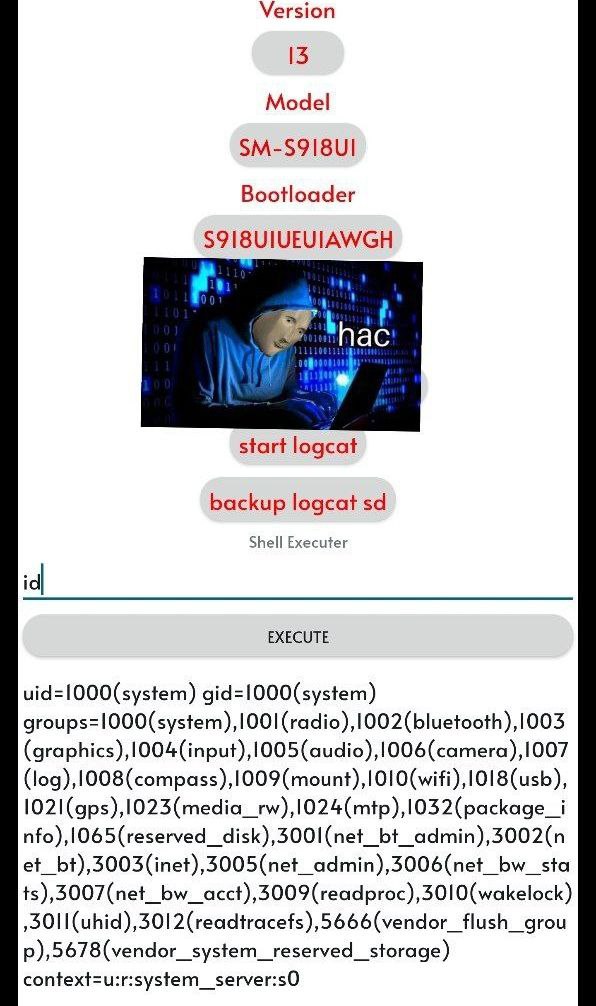
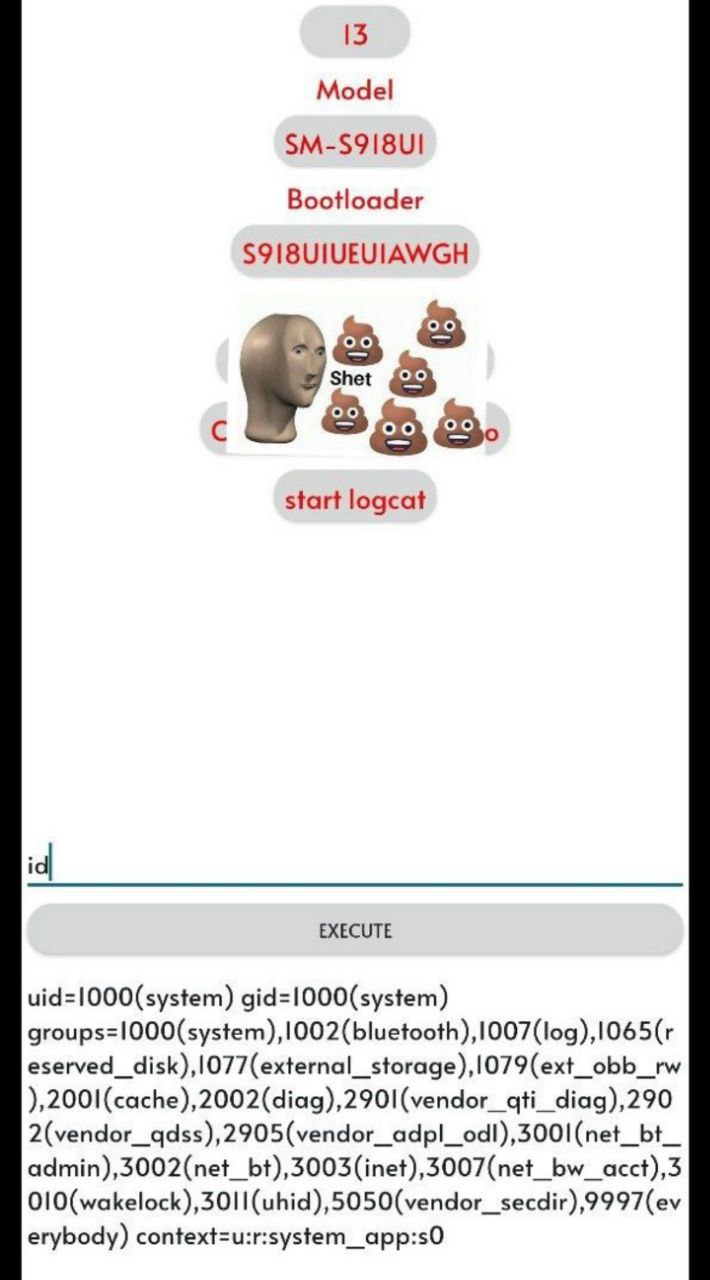
system_app....no
system_server....will try soon -
is there not a way we can emulate a firmware version on windows or linux like in android studio you can have a little fake phone on the screen and navigate aroudn
-
Looks like I need to get me some learnin' dun. I think I'll try it on the s10. I doubt it would work on s22
-
That system_server context...is deadly
-
You could
-
I bet, even sounds super powerful/dangerous
-
But it's always best to have something similar
-
Only because Samsung is a super modified version of AOSP...
-
And they tend to make shit weird
-
I'll definitely be updating my S20 Ultra....to play inside
-
But.....having issues... updating the firmware and having root and also cuz of the EDL BL
-
hey hey keep it down my laptop dinging away over here im trying to decompile bin files to hack the crap out of this damn printer 🤣
-
Hah. It even says in an app "the android project". Nothing about aosp
-
Same shit
-
No matter how many names it has
-
Yeah, I think samsung just loves relishing in the fact they can call themselves open source just because it's on Android. Pisses me off
-
well after the leak dose that count as open source
-
I haven't even read anything about it yet. When did that happen anyways?
-
-
-
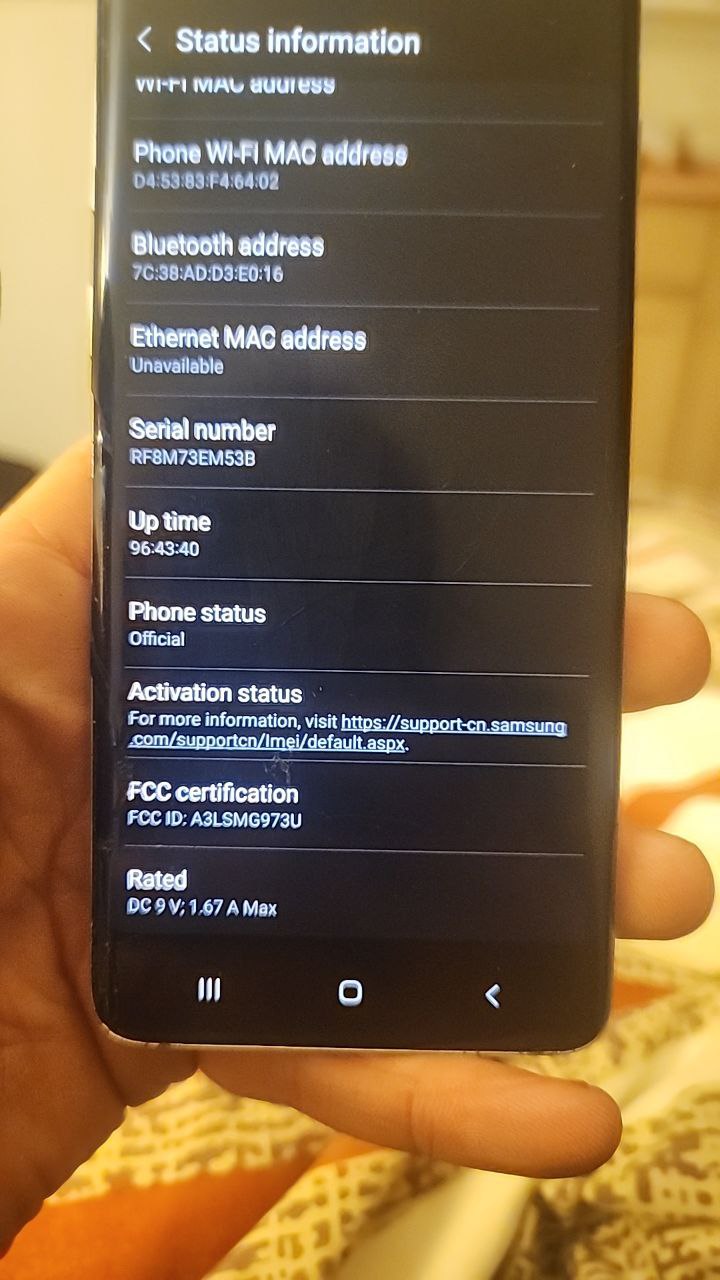
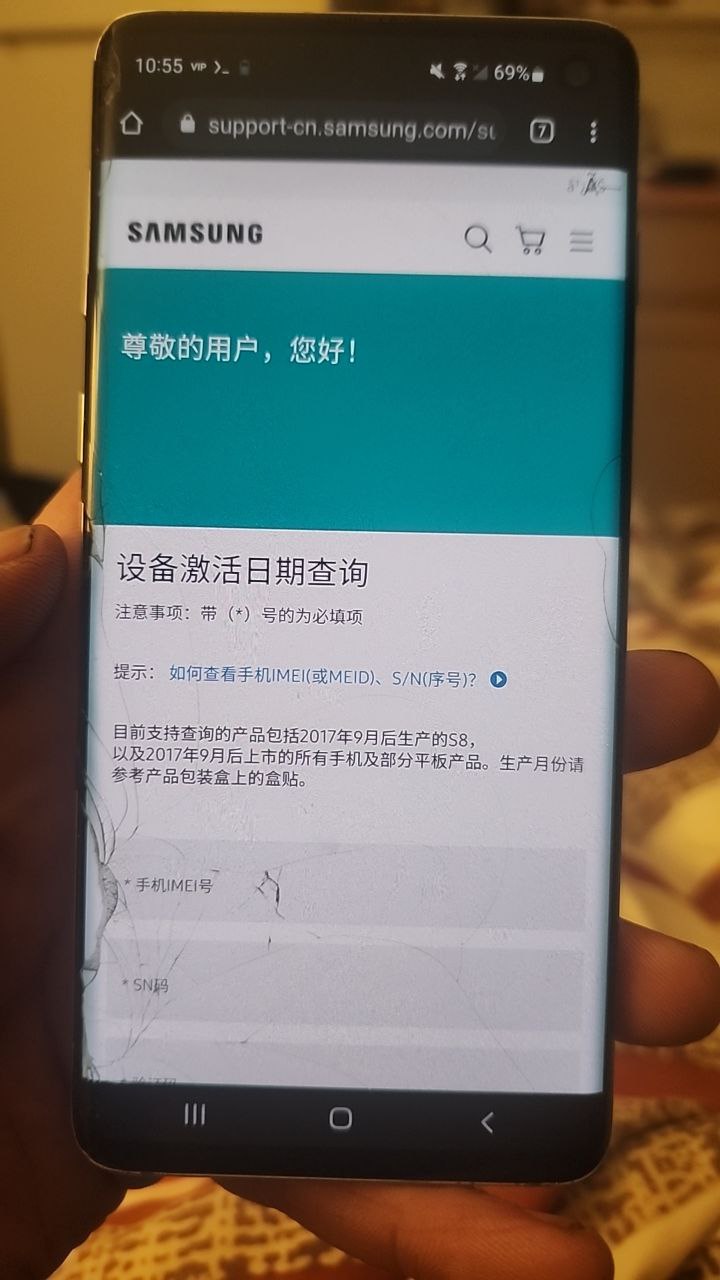
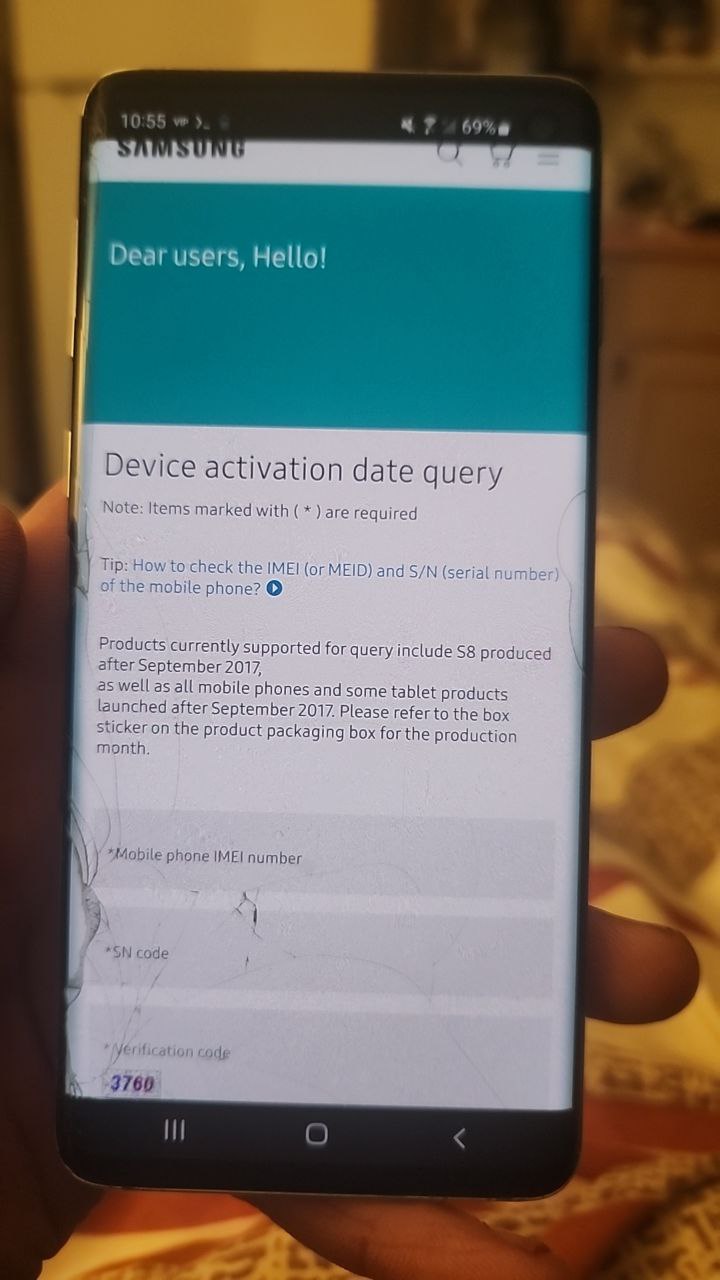
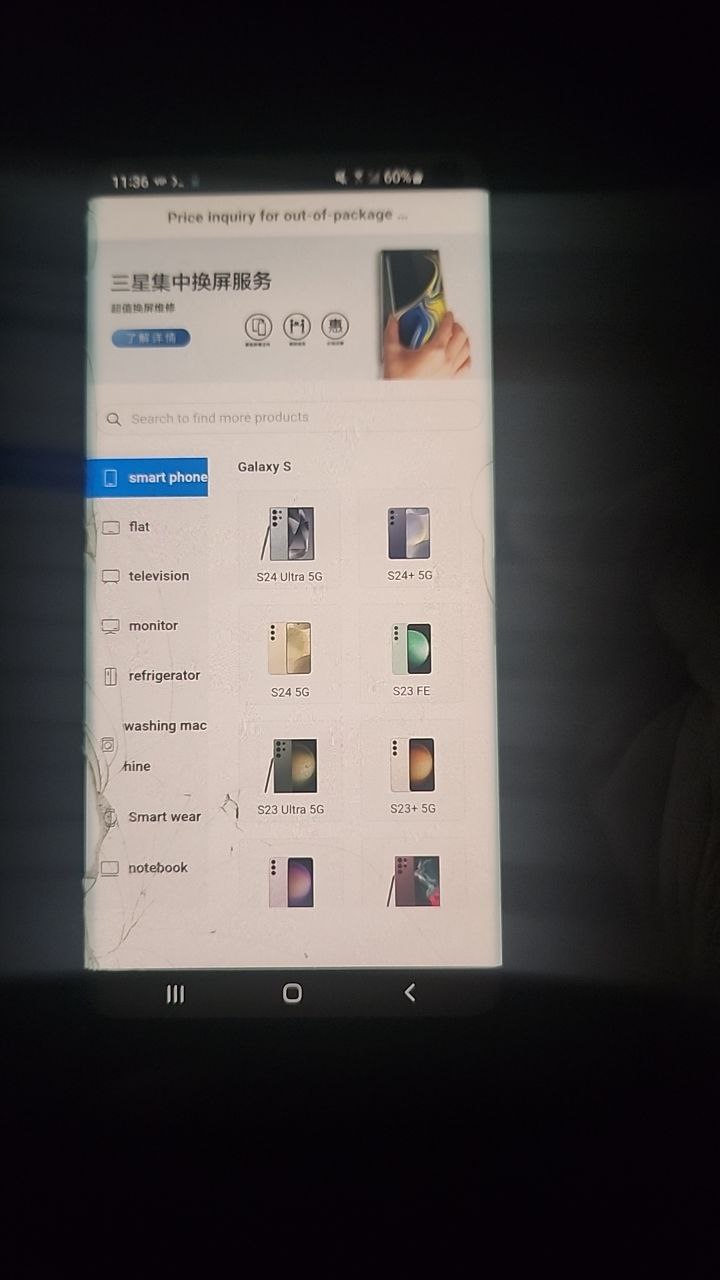
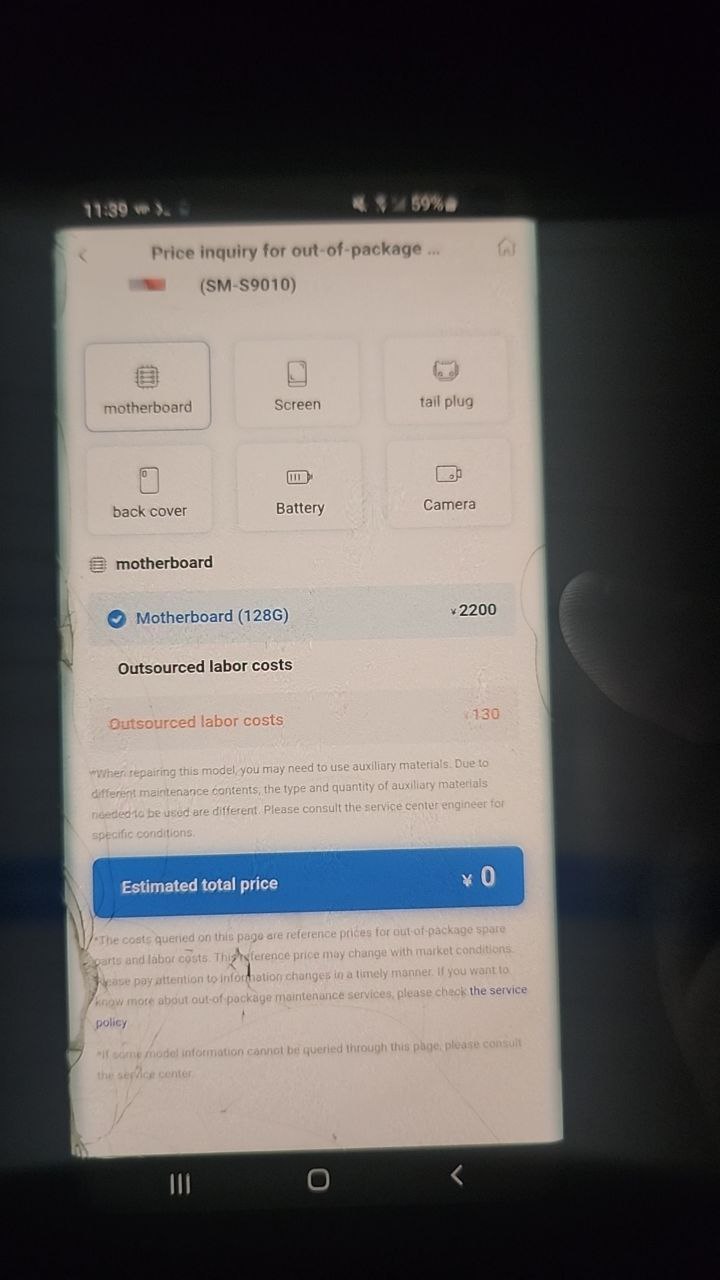
Hahaha somehow I managed to do this. Guess my phone is no longer activated?? And takes me to a Samsung Chinese run site. I wonder if I can just talk to someone on there and tell them it's a mistake and need an ota token for my eng build lol
-
Hmm
-
Interesting
-
Strange right??
-
I'm on the samsung China official dev site right now seeing what I can fund there
-
Find*
-
I think my phone thinks it's still in China...
-
Change it
-
That's a little vague
-
Is that a good price?
-
-
What's that
-
Do u have root?
-
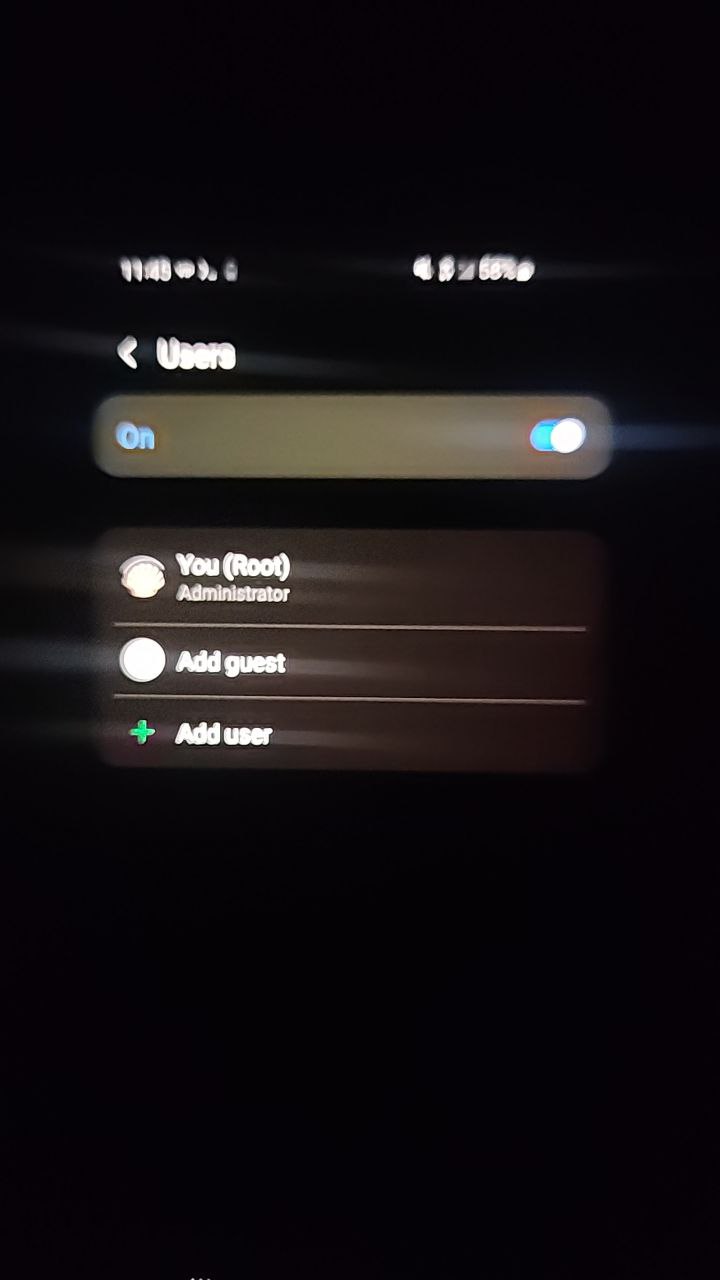
I don't think so, just found this on the site map. I don't know what I did. I also found a setting where I am the device admin and changed my name to root...
-
-
Think that's always been there though.. honestly don't know
-
And I would also recommend you take a look at /data/system_ce, /data/system_de and /data/user_de if you haven't been in those ones before. They look pretty special
-
They can be
-
I noticed one called download_store.pb with some tokens... what's that one all about? I can just Google if need be anyways
-
?
-
Pull it
-
And send here
-
Permission denied. I can see it with the vm though (fake device) and being denied means it exists
-
Yes
-
com.google.android.gms
-
Can you run a root shell on fake device?
-
-
Off the vm
-
Yep
-
Only let me copy and paste that. The token might still be usable?? No clue
-
That's cool how your digging through this
-
Should show a little video of launching the vm
-
Not right now obviously you seem busy
-
I push a button and it launches then use it like any ordinary phone. The only difference is its sandboxed and has very little access to the real phone so all the information in there is kinda hypothetical i guess.I haven't had the time to research anything else I could potentially do but at least it gives us an idea what to look for using system
-
Can I get the version your running
-
One thing though, for me in only works in pip mode. Otherwise the screen just doesn't work. But you can pinch to enlargev
-
Ok
-
-
Did you find a way to load your own android version ? The ones I tried are a very old generic android
-
I got android 7 but I'm fine with it for now
-
Try this one out it's got less bs in it
-
-

-
You had to ask me, I'm admin of vphone gaga mod group lol
-
Where is the one with android 14
-
It does not exist
-
Vphone gaga is up to android 10
-
What's the activity to clone into gsi to run on locked bl
-
Hit DSU once
It will bring up a white box...pick any...and if it's empty.
.click around anyways.
Then Launch
Terms of service
Enter pin and/or fingerprint to accept
Look at your notifications
It will tell you when it's ready... -
This version is to fix an install error problem so if you fail to install previous one you can try this
-
-
I've tried this device just boots to black screen then reboots and gose back into os
-
 If that exynos has a QC modem it does indeed have at least 9008/9006 mode.
Exynos5 has drivers for the tools in ways. The Exynos7420 still worked with platform 5 drivers using different maps. I've done it. But like 8 years ago -
It worked this time what would happen if you download system update while in a day gsi
-
Dsu
-
Just installed shell and shizuku real quick in it. It started downloading system update on its own
-
Us it possible to get it to load B firmware in dsu?
-
-
I do believe I've had it work o. Windows7
-
yes i think your right
-
What is ftl 11 apk
-
I'm running 2.4.03 I belive
-
From the github zips
-
Part 3 has ftl 11 apk
-
guess it is ftl for android 11 (sdk 30)
-
Shows adp locked
-
How to bypass??
-
@wr3cckl3ss
-
Didn't work ill run it again to show the last message
-
-
what android is it
-
11
-
Will it bypass adp??
-
Don't waste your time.
-
That's a normal install I guess, android installer does the same thing
-
Your efforts are better suited doing R&D on anything else.
-
If I were to tell you how the new stuff works....you'd be shocked. But all it takes is a simple
pm install ...path to APK -
No special command needed
-
Kind of blows your mind...right?
-
But OCT...is just a hop.. skip and jump away. 👍👍
-
Would be good to find a way to bypass the blacklist files for ftl
-
Tried the same and got build error
-
-
You're wasting your time...trying those commands...
-
For example.... What about an app inside another? Would be possible? After installing extracting ftl. This is crazy and hilarious
-
What blacklist
-
Isn't ftl blacklisted?
-
Yes it is
-
Then wen new command??
-
.
-
New is that overlay method
-
I just hope would be possible to get it working on my grandma device as it failed
-
FTL is 100 percent dead
-
Consider it dead
-
So that would explain why it failed I guess
-
Same applies for system3 members??
-
But really.... Let's implant some system world readable file to turn on the shell if samsung kills audiocore debug or other shells?
-
It's not a bad idea
-
-
Maybe
-
Well I tried to create one on /data/local/tmp
-
You saw the other day
-
I don't know if it works though
-
And...how did it go
-
I have to try it
-
I'll try it and let you know
-
I can adjust it to make it system world readable easily
-
If you also want the file to be accessible via adb shell, you can follow the same steps, but without setting execute permissions for the file. This way, the file can be read and written by any user, including users connected via adb shell.
Here's how to do it:
1. Log in to the device as a system user.
2. Navigate to the directory where you want to create the file. For example:
cd /data/local/tmp
3. Create the file using the touch command:
touch system_accessible_file
4. Set the file's permissions so that it is accessible to everyone except executable. You can do this using the chmod command:
chmod 666 system_accessible_file
This will set the file's permissions so that it is readable and writable by all, but not executable.
5. If necessary, also change the owner of the file. If you want the file owner to be system, you can run the command:
chown system:system system_accessible_file
With these steps, the file will be accessible to everyone, including adb shell users. However, since it is not executable, it cannot be used to execute commands directly.
To make the file executable only when accessed via adb shell, it is best to run the chmod +x command directly from adb shell. This way, the file will only be executable when you access it via adb shell and not when you access it via the system shell.
You can run the following command from adb shell to make the file executable:
chmod +x system_accessible_file
This way, the file will be accessible as an executable only when accessed via adb shell, but not when accessed via system shell. -
Fly me to the moon and let me place upon the stars popopopo 🎵
-
I guess that we can do the same for a file that simply executes /bin/sh as system
-
This way should be a real implanted system shell
-
-
Definitely worth trying, I have to restore stock on my tab
-
The fun begins
-
the part about not being accessable via system shell is redundant as system shell cant access /data/local/tmp anyway i assume that is very old
-
-
NVM I JUST TYPED IT OUT
-
Well...i know somewhere where it's like /data/local tmp
-
But somewhere system shell has full access to
-
And that is on today's agenda
-
Chatgpt sometimes is dumb, ignore it
-
Shell can also enter....it also can push files inside...but where the differences are...is that shell can only install from here ...if...the apks are system owned...
-
Which to me.... sounds weird as well..since when can shell access and install system apks...from inside a privileged area...it's typical for shell to do this from a non privileged area....for example updating system apps...thru command line...
-
 Dayumn I'm missing a shit ton
 -
Your good bro
-
Joined.
-
Hey there Toyubhon, and welcome to #system3! How are you?
-
@klaypexxx welcome
-
👍👍👍👍
-
Good
-
Joined.
-
Joined.
-
Joined.
-
Hey there Pump, and welcome to #system3! How are you?
-
Hey there Hesham, and welcome to #system3! How are you?
-
Hey there Robert, and welcome to #system3! How are you?
-
Robert
@dasauto1
@PumpAc7i0n
Click on PROVE TO HUMAN -
I can't even download anything from here. Apparently I blew out a pointer and I really don't want to factory reset
-
Holy! What a morning so far. Already blacklisted your ftl??!!!
-
-
I'm still kinda searching here and there. It's pretty time consuming testing all these directories
-
Lol
-
Been there and done that
-
Spent weeks ...months on it
-
Yeah yeah, someone else's turn haha. I enjoy it for the most part. Keep finding new shit I don't know what to do with everyday
-
Then came to the realization that....where I need to focus on ..is not what's inside the OS...it's what I can add in the OS...that will cripple things....and there's plenty that you can add into the OS.....and im not talking about flashing either..that's off limits
-
Yeah I haven't even bothered with flashing. I kinda followed in your steps with the system apps so it's just a matter of finding those other hidden gems in beep boop land
-
Plus trying not to commit vehicular manslaughter during the day...
-
 Do you bring the Amazon packages to each of the post offices
 -
I know someone that does
-
-
Lol we all know someone that does
-
Haha I'm not responsible for your packages. Flooring and other expensive, awkward shit
-
I hate when I deliver an Amazon package and Amazon is delivering to the same house at the same time oh it irritates me
-
Turf war!!!!
-
Haha
-
Fucked up part...is when your delivering something like DOG FOOD and they're delivering a little box
-
Now that's fucked up
-
I've had to follow a guy around for hours and it's so annoying when they're slow as hell
-
I'm like really you couldn't deliver this package but that one was fine like wtf
-
Just chuck it out the window
-
I wish
-
But as an IC... your name is attached to every piece
-
So if something goes missing...bye bye you go
-
And auto banned from all Amazon sites
-
Oops it fell off the truck doesn't work lol
-
I'm fine making an hourly wage that mostly consists of driving and not worrying about running my own company as an owner/operator
-
As long as the packages make it to the post office....you're fine....
-
And if by chance...those packages on a shitty wrapped pallet....fall over and get smashed.....you're still fine. Because the package still made its way to the inside of the post office....smashed or not...
-
Then it's only a matter of he said...she said...
Me: "uh no pallets fell over" (secretly they did)
Amazon: "ok...we will claim PO loss..." Reissue smashed packages" -
Amazon can't verify....where the packages are damaged....
-
Now granted....there are certain things they look for... before they call you to ask...
-
They'll pull the logs of the app you have...
-
Check for speeding....any hard stops...and also run your route against previous times you may have run it ..and if any issues came up...
-
While Amazon is super smart and they run diagnostics on you and the app.... they're pretty brain dead as far as actually knowing what is true and what's false.

@systemshell3 / Public archive of Telegram messages.



- 01 Mar 2024 (20)
- 02 Mar 2024 (31)
- 03 Mar 2024 (58)
- 04 Mar 2024 (1)
- 05 Mar 2024 (5)
- 07 Mar 2024 (9)
- 08 Mar 2024 (315)
- 09 Mar 2024 (61)
- 10 Mar 2024 (176)
- 11 Mar 2024 (599)
- 12 Mar 2024 (451)
- 13 Mar 2024 (316)
- 14 Mar 2024 (678)
- 15 Mar 2024 (49)
- 16 Mar 2024 (94)
- 17 Mar 2024 (144)
- 18 Mar 2024 (67)
- 19 Mar 2024 (61)
- 20 Mar 2024 (139)
- 21 Mar 2024 (145)
- 22 Mar 2024 (14)
- 23 Mar 2024 (11)
- 24 Mar 2024 (56)
- 25 Mar 2024 (83)
- 26 Mar 2024 (60)
- 27 Mar 2024 (62)
- 28 Mar 2024 (12)
- 29 Mar 2024 (12)
- 30 Mar 2024 (12)
- 31 Mar 2024 (40)